utm link builder npm package: Build and Validate UTM Links Programmatically with missinglinkz
Looking for a utm link builder npm package? The missinglinkz package does what other npm UTM libraries don't: it generates correctly formatted UTM-tagged URLs and validates the destination before the link goes into a campaign. Install globally to use the CLI, or call the REST API from any backend. No dashboard required, no manual steps. This article covers install, basic usage, bulk generation, and destination validation.
Why most npm UTM packages stop at URL construction
Search npm for UTM builder packages and you will find lightweight libraries that do one thing: concatenate query parameters onto a base URL. They handle encoding, they ensure the right parameter names, and they return a string. That is useful, but it is only half the problem.
What these libraries do not do:
- Validate the destination. The URL might be a 404, have an SSL error, or route through a redirect chain that strips the UTM parameters before GA4 records the session. A link builder that does not check the destination gives you a formatted string — not a working campaign link.
- Enforce naming conventions. Without convention enforcement, you end up with
utm_source=LinkedIn,utm_source=linkedin, andutm_source=liall in your analytics as separate traffic sources. The package cannot tell you thatLinkedInandlinkedinare the same channel. - Provide a CLI. If you want to generate links from a script, a CI job, or an AI agent workflow, you need a command-line interface. A library that only works as an import is not useful in those contexts.
The missinglinkz npm package addresses all three. It ships as a global CLI tool with a mlz binary, enforces lowercase hyphenated values by default, and can validate the destination URL before returning the tracked link. For the full comparison of CLI vs. API vs. npm approaches, see the programmatic UTM link building guide.
Install the missinglinkz npm package
Install globally to get the mlz CLI binary:
npm install -g missinglinkz
Verify the install:
mlz --version
No API key is required for UTM link generation. An API key is optional and enables link storage, campaign history, and the mlz links list command. Set one if you want persistence:
export MLZ_API_KEY=your_api_key
To get a free API key (1,000 links/month, no credit card): mlz auth register --email [email protected].
Build a UTM link from the CLI
The core command is mlz build. Supply the destination URL, campaign name, source, and medium — the four required parameters for attribution to work in GA4:
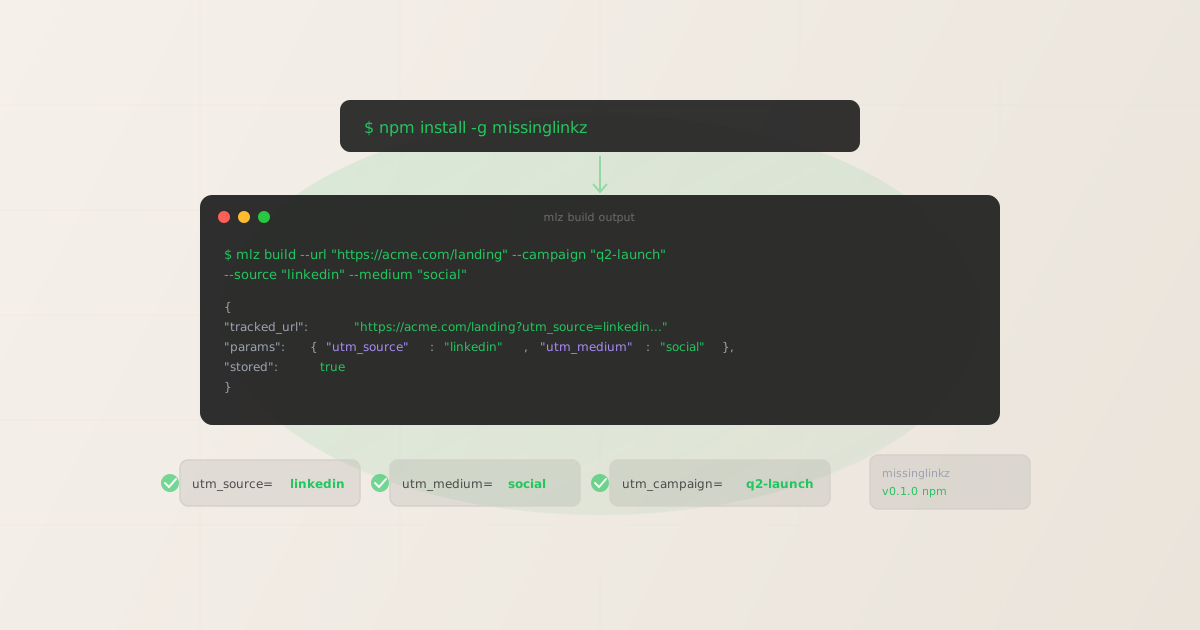
mlz build --url "https://acme.com/landing" --campaign "q2-launch" --source "linkedin" --medium "social"
The JSON response contains the tracked URL, each UTM parameter as a named field, and metadata:
{
  "tracked_url": "https://acme.com/landing?utm_source=linkedin&utm_medium=social&utm_campaign=q2-launch",
  "params": {
    "utm_source": "linkedin",
    "utm_medium": "social",
    "utm_campaign": "q2-launch"
  },
  "destination_url": "https://acme.com/landing",
  "created_at": "2026-04-16T09:14:22.010Z",
  "link_id": "lnk_9wlvd9qi",
  "campaign_id": "cmp_kbcht77d",
  "stored": true
}
Notice that utm_source, utm_medium, and utm_campaign are all lowercase — the package normalizes values automatically. If you supply --source "LinkedIn", the output is still utm_source=linkedin. This prevents the most common cause of analytics fragmentation: mixed-case values appearing as separate traffic sources in GA4. For the full explanation of why case consistency matters, see the UTM parameters guide.
Optional flags: --term "keyword" for paid search, --content "variant-a" for A/B testing, --format human for readable terminal output instead of JSON.
Generating links in bulk from a shell script
For campaigns that run across multiple channels, use a shell loop to generate all variants at once and extract just the tracked URLs:
#!/bin/bash
URL="https://acme.com/spring-sale"
CAMPAIGN="spring-sale-2026"

for channel in "linkedin:social" "twitter:social" "newsletter:email" "google:cpc"; do
  source=$(echo "$channel" | cut -d: -f1)
  medium=$(echo "$channel" | cut -d: -f2)

  mlz build \
    --url "$URL" \
    --campaign "$CAMPAIGN" \
    --source "$source" \
    --medium "$medium" \
    --format json \
    | jq -r '"[\(.params.utm_source)/\(.params.utm_medium)] \(.tracked_url)"'
done

[linkedin/social] https://acme.com/spring-sale?utm_source=linkedin&utm_medium=social&utm_campaign=spring-sale-2026
[twitter/social]  https://acme.com/spring-sale?utm_source=twitter&utm_medium=social&utm_campaign=spring-sale-2026
[newsletter/email] https://acme.com/spring-sale?utm_source=newsletter&utm_medium=email&utm_campaign=spring-sale-2026
[google/cpc]      https://acme.com/spring-sale?utm_source=google&utm_medium=cpc&utm_campaign=spring-sale-2026
Four tracked links — all consistently named, all correctly encoded — in under two seconds. The jq format string extracts just what you need: channel label and tracked URL, ready to paste into your campaign management tool or scheduler.
Adding destination validation to link generation
The --validate flag checks the destination URL for SSL, HTTP resolution, and redirect chain integrity before generating the tracked link. If the destination fails validation, the command exits with a non-zero status code and outputs no URL — safe to use in pipelines where a broken link should halt the workflow:
mlz build --url "https://acme.com/landing" --campaign "q2-launch" --source "linkedin" --medium "social" --validate --format json
To also check Open Graph tags, Twitter Cards, and social sharing readiness alongside link generation, use mlz publish-check instead — it combines link building, URL validation, and destination inspection in a single call. See the campaign link validation guide for the full workflow.
Using the REST API from any backend
For server-side applications, serverless functions, or environments where running a CLI binary is not practical, the MissingLinkz REST API provides the same UTM building capability over HTTP. A single POST generates the tracked URL:
$ curl -s -X POST https://api.missinglinkz.io/v1/links \
  -H "Authorization: Bearer $MLZ_API_KEY" \
  -H "Content-Type: application/json" \
  -d '{
    "url": "https://acme.com/landing",
    "campaign": "q2-launch",
    "source": "linkedin",
    "medium": "social"
  }'

{
  "tracked_url": "https://acme.com/landing?utm_source=linkedin&utm_medium=social&utm_campaign=q2-launch",
  "params": { "utm_source": "linkedin", "utm_medium": "social", "utm_campaign": "q2-launch" },
  "link_id": "lnk_9wlvd9qi",
  "stored": true
}
The REST API is the right choice for Cloudflare Workers, AWS Lambda, Vercel Edge Functions, and any environment where installing a Node.js global binary is impractical. It returns the same JSON structure as mlz build, so if you switch from CLI to API later, your parsing logic stays unchanged.
Using missinglinkz from an AI agent via MCP
AI agents running in Claude Code, Cursor, or similar tools cannot fill out web forms. They need tools that are callable from a terminal or agent runtime. The missinglinkz package includes an MCP server that exposes all commands — including mlz_build_link, mlz_validate_url, and mlz_inspect_destination — as first-class tools for MCP-compatible agents.
Start the MCP server:
mlz mcp
Or configure it in your MCP client config:
{
  "mcpServers": {
    "missinglinkz": {
      "command": "mlz",
      "args": ["mcp"]
    }
  }
}
Once connected, the agent can build and validate UTM links without running raw shell commands — MCP gives it structured tool access. See UTM tracking for developers for the full context on building programmatic link workflows.
FAQ
- Do I need an API key to build UTM links?
- No.
mlz buildgenerates UTM-tagged URLs without an API key. All parameter encoding and URL construction happens locally. An API key is optional and only needed for features that store links — campaign history, themlz links listcommand, and link analytics. Get a free key withmlz auth register --email [email protected]if you want persistence. - Does missinglinkz enforce lowercase UTM values?
- Yes. All UTM parameter values are automatically normalized to lowercase.
--source "LinkedIn"producesutm_source=linkedin.--campaign "Spring Sale"producesutm_campaign=spring-sale(spaces replaced with hyphens). This is intentional — GA4 treatsLinkedInandlinkedinas different traffic sources, so enforcing lowercase at generation time prevents fragmented analytics from the start. - What is the difference between mlz build and mlz build --validate?
mlz buildconstructs the tracked URL locally without making any network requests. It is instant and offline-capable.mlz build --validateadds a destination check before returning the URL — it verifies SSL, HTTP resolution, and that the destination responds with 200. Use--validatein automated workflows where a broken destination should block link generation.- Can I use the REST API instead of the CLI in serverless environments?
- Yes. The REST API (
POST https://api.missinglinkz.io/v1/links) works from any HTTP-capable environment: AWS Lambda, Cloudflare Workers, Vercel Edge Functions, Zapier, Make, Retool. It requires an API key and returns the same JSON structure as the CLI. The CLI requires Node.js and is best for scripts, CI pipelines, and local developer workflows. - How does the MCP integration compare to the CLI?
- The CLI is for scripts and terminal workflows. MCP is for AI agent workflows where the agent needs structured tool access rather than raw shell commands. When connected via MCP, Claude Code or Cursor can call
mlz_build_linkdirectly as a tool, get structured results, and chain operations without parsing raw shell output. Both approaches produce the same tracked URLs — MCP just gives the agent better context about available parameters and capabilities.
Recommended posts
Install the utm link builder npm package
One install, three ways to build: CLI for scripts, REST API for backend services, MCP for AI agents. UTM generation works offline with no API key required.
1,000 links/month free. No credit card.
Your API key
Save this now — it won't be shown again.
npm install -g missinglinkz
Free plan: 1,000 links/month. No credit card. See all commands in the SKILL.md reference.